See your words in real robot handwriting.
Type a note of up to 300 characters and press Preview. Our handwriting model writes it, OCR reads it back, and you see the result on a card: the same steps every real card goes through before the pen moves.
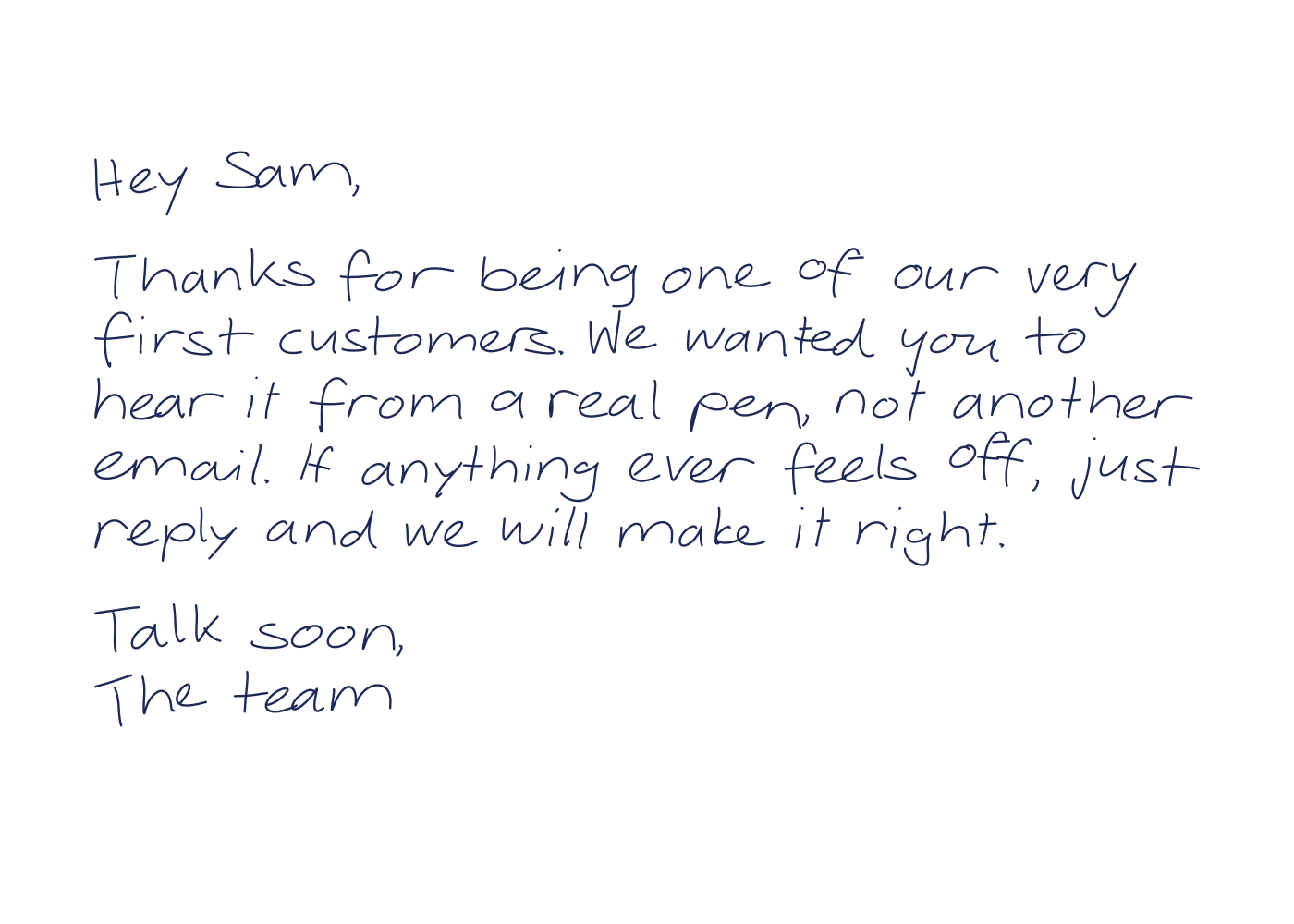
A sample card from our pen robots. Your preview appears here, marked with a preview watermark.
The real pipeline, minus the pen.
The same handwriting model
Your text is turned into pen strokes by the handwriting model that writes every notecardHQ card. It is handwriting generated stroke by stroke, not a font.
The same OCR read-back
Before you see it, OCR reads the strokes back word by word, as it does for every real card. A word that does not read cleanly is redrawn. How every card is written.
Watermarked, never mailed
Previews are never sent to a robot and never mailed. Each one carries a visible notecardHQ preview watermark and is deleted after 24 hours.
5 previews an hour
Each preview runs the full handwriting and OCR pipeline, so we limit them to 5 an hour per visitor. If you reach the limit, the page tells you when you can try again.
About the preview.
Is this the real robot handwriting?
Yes. Your text goes through the same handwriting model and the same OCR read-back that every card goes through before a robot writes it. What you see is the stroke data the pen would follow.
Will my preview be written or mailed?
No. Previews are never sent to a robot and never mailed. Each one carries a visible notecardHQ preview watermark and is deleted after 24 hours.
How many previews can I make?
Up to 5 an hour per visitor. If you hit the limit, the page tells you when you can try again.
Which handwriting style is the preview in?
Classic, the default style. Workspaces can also choose Relaxed, Bold or Neat; see the handwriting styles page for samples of all four.
What can the pen write?
Letters, digits, spaces, line breaks and common punctuation, including @ $ & % # + =. Accented letters are written without the accent. Emoji, em dashes and decorative symbols are not supported.